Start Your Network Security Setup
Take control of your home network’s security with expert instructions on firewall settings, encryption protocols, and access management. Protect your digital environment effortlessly.
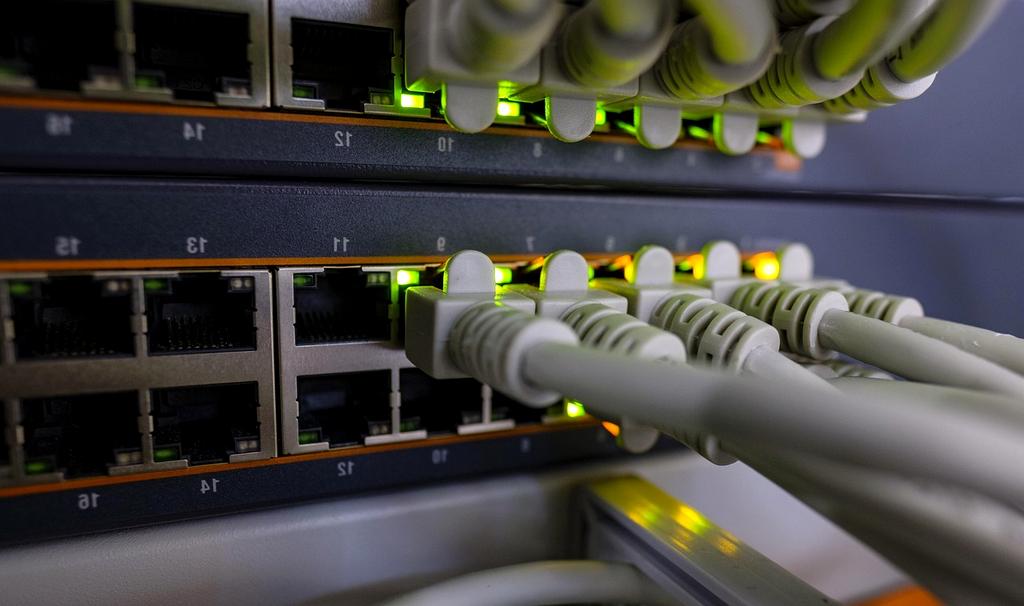
Step-by-Step Security Setup Guide
Follow our comprehensive checklist to secure your home network against threats and vulnerabilities.
Change Default Passwords
Replace all factory default passwords on routers and IoT devices with strong, unique passwords to prevent unauthorized access.
Configure Firewall
Set up your firewall with appropriate rulesets to block unwanted traffic and monitor incoming and outgoing connections.
Enable WPA3 Encryption
Use the latest WPA3 wireless encryption standard to secure your Wi-Fi networks from eavesdropping and brute force attacks.
Set Up Guest Networks
Create isolated guest Wi-Fi networks to protect your main network from insecure devices and visitors.
Keep Firmware Updated
Regularly update all networking equipment firmware to patch vulnerabilities and enhance security features.
Disable Unused Services
Turn off unnecessary features and services such as WPS or UPnP to reduce attack surfaces on your devices.
Start Your Security Setup Consultation
Fill the form below to receive customized security setup support from our network security experts.
Request Your Free Security Consultation
Our specialists will contact you within 24 hours to discuss your home network security needs and provide personalized recommendations.
Robust Firewall
Enterprise-grade protection setup
Latest Encryption
WPA3 and VPN configuration
Continuous Monitoring
24/7 threat detection and alerts